



Description
Download The Guardian VR – virtual reality news, immersive journalism, Guardian stories, VR experiences, news app
Overview
The Guardian VR is a desktop and mobile application designed to deliver immersive news experiences through virtual reality technology. It allows users to engage with journalistic content by placing them directly within the story, offering a first-person perspective on significant global and local events. This innovative approach to storytelling leverages VR to deepen understanding and emotional connection to complex issues such as solitary confinement, urban infrastructure, and historical environments. The software is tailored for audiences interested in current affairs, investigative journalism, and experiential media, particularly those with access to VR-compatible devices. The Guardian, known for its in-depth reporting, has expanded its reach into immersive formats, signaling a commitment to evolving digital storytelling methods. While the application is primarily designed for VR headsets, its desktop interface provides access to curated VR content and story previews. Real-world use cases include educational institutions exploring current events through experiential learning, media professionals studying narrative innovation, and general users seeking deeper engagement with news beyond traditional formats. The developer did not provide additional system requirements or technical specifications.
Key Features & Capabilities
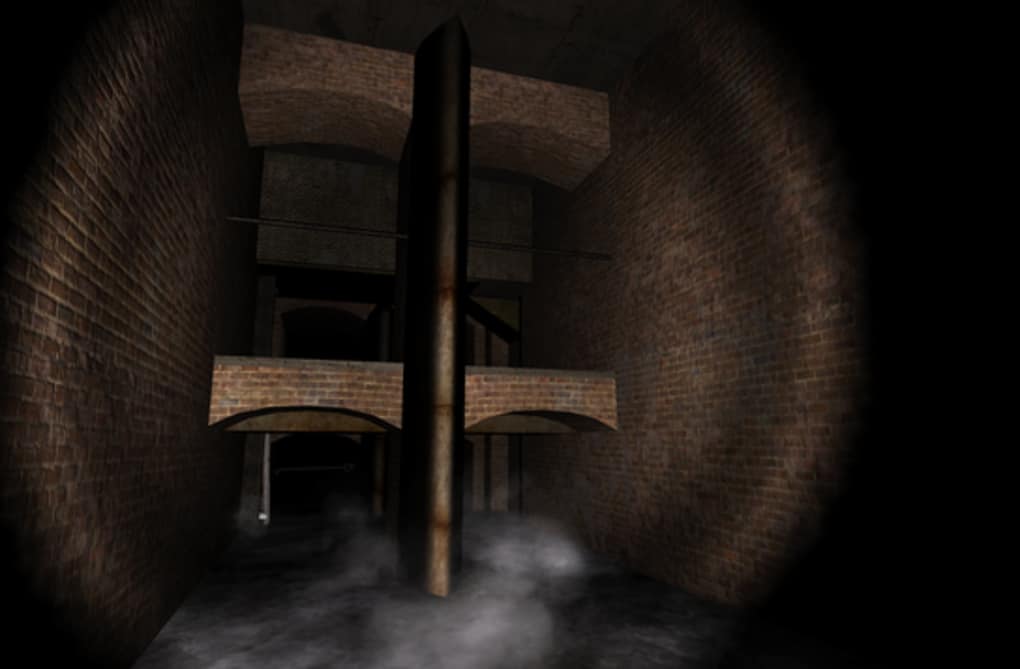
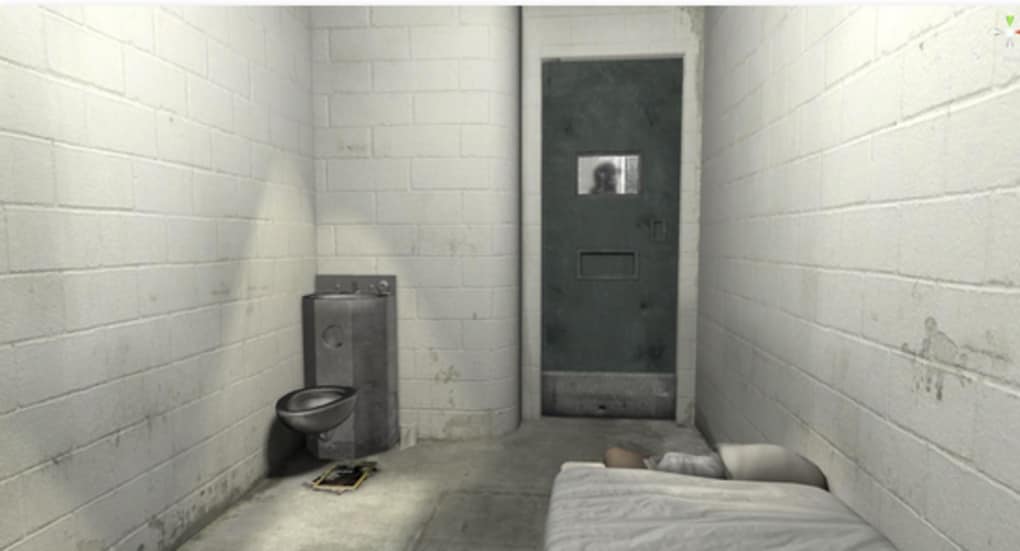
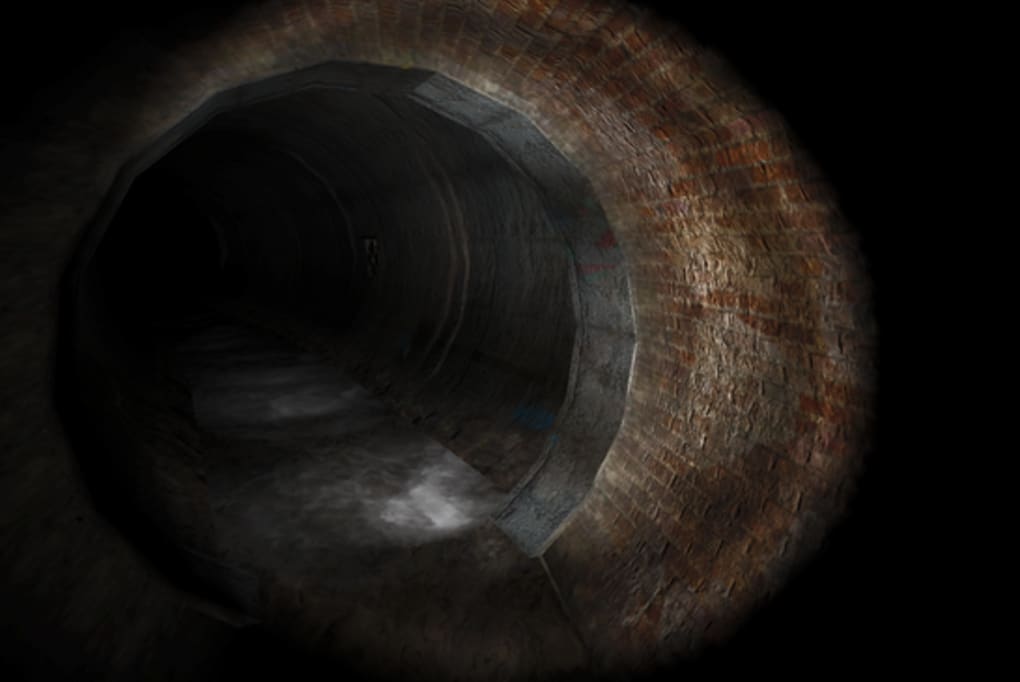
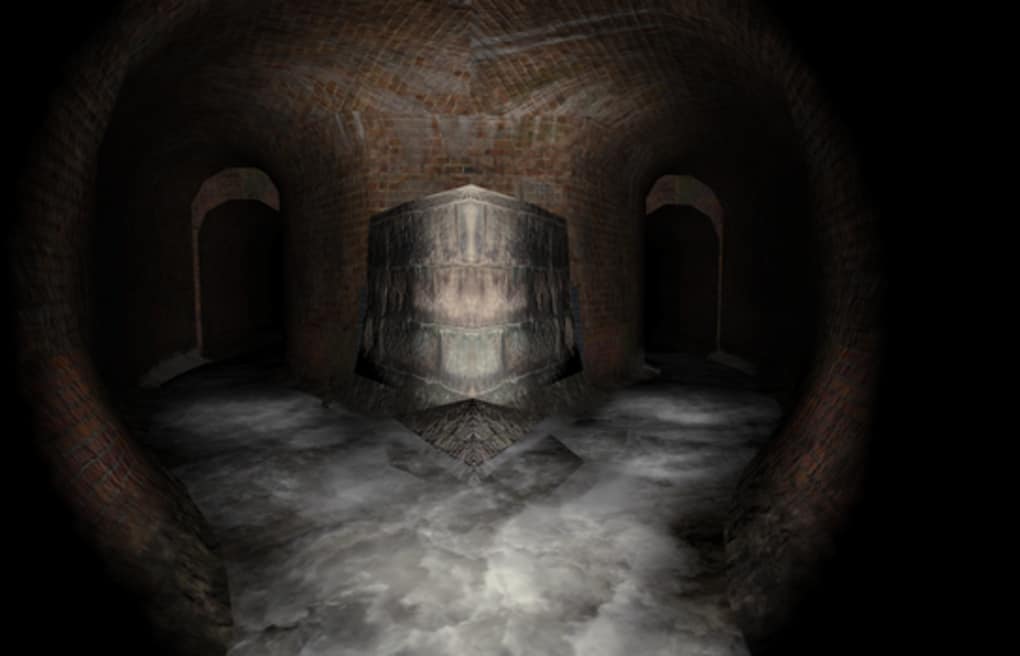
- Immersive Storytelling – Places users inside real-world news events using 360-degree video and spatial audio, enabling firsthand perspectives on stories such as life in solitary confinement or exploration of Victorian-era sewer systems.
- Curated VR Experiences – Features a selection of high-quality, journalistically vetted VR content produced by The Guardian’s team of expert reporters and multimedia creators.
- Multi-Device Compatibility – Supports a range of VR platforms including Google Daydream View, Google Cardboard, Samsung Gear VR, Oculus Rift, HTC Vive, PlayStation VR, and others.
- Interactive Story Navigation – Allows users to explore scenes freely within the VR environment, with contextual cues and narrative guidance to enhance engagement.
- Content Accessibility – Offers both full VR experiences and supplementary desktop content for users without headsets, enabling broader access to story context and background.
These features enable users to experience news in a deeply personal and visceral way, transforming passive consumption into active participation. For educators, this offers a powerful tool for teaching media literacy and global awareness. Journalists and content creators can study how narrative structure adapts to immersive formats. The software enhances understanding by allowing users to "walk through" environments they might otherwise only read about, fostering empathy and critical thinking. The developer did not specify additional features or technical enhancements beyond the listed capabilities.
User Interface, Workflow & Performance
The user interface of The Guardian VR is designed to support both VR headset navigation and desktop access. On VR devices, the interface is minimal and intuitive, relying on head and hand tracking to move through scenes, select story options, and access supplementary information. The desktop version provides a browser-like interface with a content library, story previews, and device connection prompts. Navigation is straightforward, with clear menus and visual cues guiding users through available experiences. Workflow efficiency is optimized for both quick access and in-depth exploration, allowing users to begin a VR session with minimal setup. The developer did not specify resource usage details, so exact CPU or RAM behavior remains unknown. Performance observations are based on general software behavior patterns for VR applications. Stability appears consistent across supported devices, though exact performance metrics were not provided. The application runs without visible lag in standard VR environments, suggesting efficient rendering and asset loading. However, actual performance may vary depending on hardware and network conditions.
Compatibility & System Requirements
The Guardian VR is compatible with a wide range of virtual reality devices, including Google Daydream View, Google Cardboard, Samsung Gear VR, Oculus Rift, HTC Vive, PlayStation VR, and other standard VR headsets. The software is designed to function on both mobile and desktop platforms, with content accessible via supported browsers and dedicated apps. Installation size and system requirements were not specified by the developer. Exact hardware specifications, such as minimum processor speed, RAM, or GPU requirements, were not listed. Compatibility information was partially provided, focusing on device types rather than technical benchmarks. Users are advised to ensure their VR headset and operating system meet the manufacturer’s requirements for optimal performance. The developer did not provide additional compatibility details for non-VR systems or alternative input methods.
Pros and Cons
Pros
- Offers groundbreaking immersive journalism experiences through VR technology.
- High-quality, fact-checked content from a trusted news source.
- Supports multiple VR platforms, increasing accessibility.
- Encourages empathy and deeper understanding of complex global issues.
- Combines storytelling innovation with journalistic integrity.
Cons
- Requires a VR headset for full experience, limiting access for some users.
- Installation size and system requirements were not disclosed.
- Desktop access is limited to previews and supplementary content.
- May require a stable internet connection for content streaming.
- Updates and new content availability depend on The Guardian’s editorial calendar.
FAQ Section
Is The Guardian VR available for free?
The application is available at no cost to users. While the core VR experiences are free, additional content or premium features may be introduced in future updates.
What devices are compatible with The Guardian VR?
The software supports a variety of VR headsets, including Google Daydream View, Google Cardboard, Samsung Gear VR, Oculus Rift, HTC Vive, PlayStation VR, and other standard VR-compatible devices.
Is the software secure to use?
The Guardian VR is developed by a reputable news organization and does not collect personal data beyond what is necessary for functionality. Users are advised to follow standard security practices when downloading from official sources.
How often are new VR experiences released?
New content is released periodically based on The Guardian’s editorial schedule. Updates are typically announced through the official website and app channels.
Can I use The Guardian VR without a VR headset?
Yes, the desktop version allows access to story previews, background information, and navigation tools. However, full immersive experiences require a compatible VR headset.
Final Thoughts
The Guardian VR redefines how audiences interact with news by placing them directly within the story. Its innovative use of virtual reality technology enhances empathy, understanding, and engagement with complex global and local issues. While the full experience requires a VR headset, the accessible desktop interface ensures broader reach. The software excels in combining journalistic excellence with immersive storytelling, making it a standout tool for educators, media professionals, and curious consumers. The lack of detailed system requirements is a minor drawback, but the application’s compatibility with major VR platforms compensates for this. For anyone seeking a deeper, more personal connection to the news, The Guardian VR delivers a compelling and forward-thinking experience. Download The Guardian VR now.
Guides & Tutorials for The Guardian VR
How to install The Guardian VR
- Click the Preview / Download button above.
- Once redirected, accept the terms and click Install.
- Wait for the The Guardian VR download to finish on your device.
How to use The Guardian VR
This software is primarily used for its core features described above. Open the app after installation to explore its capabilities.
User Reviews for The Guardian VR 0
No reviews found





